
Expanding your business beyond your local market is an exciting milestone. Whether you're a freelancer working with overseas clients, a consultant offering services internationally, or a growing small business selling across borders, international projects create new opportunities for growth.
However, they also introduce new challenges, especially when it comes to getting paid.
Many business owners quickly discover that sending an invoice to an international client isn't quite as simple as emailing a PDF and waiting for payment. Questions about currencies, payment methods, taxes, exchange rates, banking fees, and payment links can make the process more complicated than expected.
Fortunately, creating professional international invoices doesn't have to be difficult. With the right approach, you can make paying your invoices simple for your clients while reducing delays and improving your cash flow.
Why payment links matter?
One of the biggest reasons international invoices remain unpaid longer than expected is friction.
Every additional step a client has to take increases the chance that payment will be postponed. If they need to manually enter your banking information, calculate exchange rates, or figure out which payment method to use, the invoice often gets pushed to the bottom of their to-do list.
A payment link removes many of these obstacles.
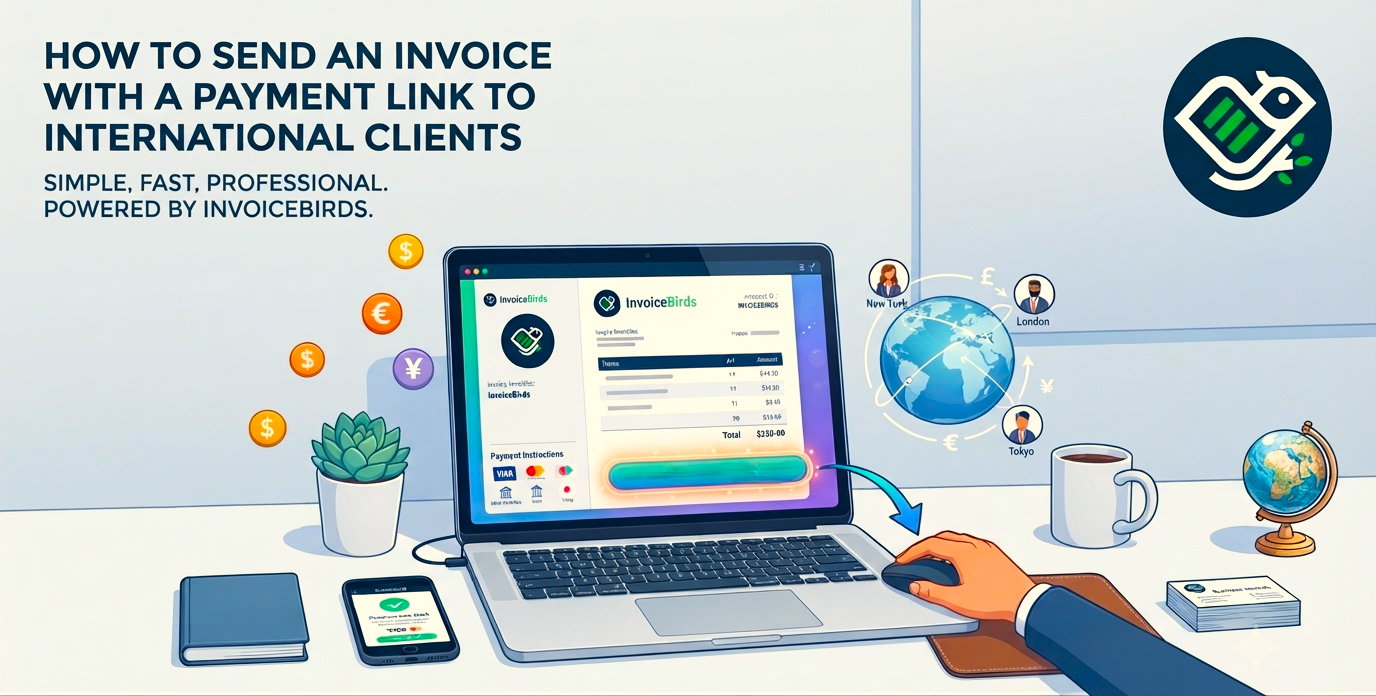
Instead of asking the client to manually initiate a transfer, the invoice includes a secure button or link that takes them directly to a payment page where they can complete the transaction using the available payment methods.
For the client, the experience becomes straightforward.
Open the invoice.
Click the payment button.
Choose a payment method.
Pay.
That simplicity often results in faster payments.
Start by understanding your client's preferred payment method
International clients may not use the same payment systems that are common in your country.
Some businesses prefer traditional bank transfers.
Others rely on credit cards.
Some regularly pay through digital payment providers.
Rather than assuming your preferred payment method works for everyone, ask your client early in the project how they normally handle supplier payments.
Having this conversation before sending your first invoice helps prevent unnecessary delays and demonstrates professionalism.
Choose the right invoice currency
One of the first decisions you'll need to make is which currency to invoice in.
There is no universal answer because the right choice depends on your agreement with the client.
Some businesses always invoice in their local currency to avoid exchange rate fluctuations.
Others invoice in the client's local currency because it makes purchasing easier for the customer.
Whichever option you choose, make sure the currency is clearly displayed throughout the invoice.
Avoid leaving room for assumptions.
For example, writing "$2,500" without specifying whether it's USD, CAD, AUD, or another currency can create unnecessary confusion.
Instead, clearly identify the currency using internationally recognized currency codes such as USD, EUR, GBP, or CAD.
Include complete business information
International invoices often undergo additional review before payment is approved.
Unlike local invoices, they may pass through finance departments, purchasing teams, and accounting staff before reaching the person responsible for payment.
Providing complete business information helps prevent questions that slow down the approval process.
Your invoice should clearly include:
Your business name.
Business address.
Contact information.
Invoice number.
Invoice date.
Due date.
Client information.
Description of the products or services provided.
Total amount due.
Currency.
Payment instructions.
The more complete your invoice is, the easier it becomes for the client's finance team to process it without requesting additional information.
Make payment instructions impossible to misunderstand
Many payment delays happen simply because clients aren't sure how to pay.
Instead of assuming they'll know what to do, include clear payment instructions directly on the invoice.
If you're accepting bank transfers, provide all required banking details.
If you're using payment links, explain that the client can simply click the provided button to complete payment securely.
The fewer questions your client has, the sooner payment can be processed.
Consider taxes before sending the invoice
Taxes become more complex when international transactions are involved.
Depending on where your business and your client are located, you may need to account for VAT, GST, sales tax, reverse charge mechanisms, or other local tax requirements.
The correct approach varies between countries and industries.
If you're unsure, consult your accountant or local tax authority before issuing invoices to international clients.
Getting the tax treatment right from the beginning prevents corrections, credit notes, and payment delays later.
Define your payment terms clearly
International clients often work with different payment practices.
Some companies pay within seven days.
Others operate on Net 30 or Net 45 payment terms.
Some larger organizations have fixed monthly payment cycles.
Whatever terms you've agreed upon should appear clearly on the invoice.
Avoid vague wording such as "Payment expected soon."
Instead, specify the exact due date.
Clear payment terms help establish expectations and reduce misunderstandings.
Send invoices promptly
The timing of your invoice matters more than many business owners realize.
Waiting several days after completing work gives clients additional time before the payment process even begins.
Instead, send invoices as soon as the agreed milestone has been completed.
Prompt invoicing communicates professionalism while allowing your client's payment approval process to start immediately.
Automate payment reminders
Even well-organized clients occasionally forget to pay invoices.
That doesn't necessarily mean they're unwilling to pay.
People become busy, emails get buried, and payment dates are overlooked.
Rather than manually checking every outstanding invoice, automated payment reminders help keep invoices visible without requiring constant follow-up.
A friendly reminder before the due date followed by additional reminders if payment remains outstanding can significantly improve collection rates while maintaining a professional relationship.
Automation also ensures consistency.
No invoice gets forgotten simply because you're managing multiple projects at once.
Avoid common international invoicing mistakes
Many payment delays are caused by small but avoidable errors.
Some of the most common include:
Sending invoices in the wrong currency.
Leaving out payment instructions.
Using unclear payment terms.
Providing incomplete client information.
Forgetting tax details.
Waiting too long to issue the invoice.
Each of these mistakes creates additional work for your client and increases the likelihood of delayed payment.
Taking a few extra minutes to review your invoice before sending it can save days or even weeks later.
Think beyond the invoice
An invoice is more than a payment request.
It's part of your client experience.
A clear, professional invoice reflects positively on your business and makes it easier for clients to continue working with you.
As your business grows internationally, consistency becomes increasingly important.
Standardized invoices, automated reminders, secure payment links, and organized records all contribute to smoother operations and stronger client relationships.
Frequently Asked Questions
Can I send an invoice to an international client in a different currency?
Yes. Many businesses invoice international clients in either their own currency or the client's local currency. The best choice depends on your agreement with the client and how you want to handle exchange rate fluctuations. Always clearly display the currency using recognized codes such as USD, EUR, GBP, or CAD.
How do international clients pay invoices with a payment link?
A payment link allows clients to pay directly through a secure online payment page. Depending on the payment provider, clients may be able to use options such as credit cards, bank transfers, or digital payment methods without manually entering payment details.
Do I need to charge taxes on invoices sent to international clients?
It depends on your location, your client's location, the type of service provided, and applicable tax regulations. Some international transactions may require VAT, GST, sales tax, or reverse charge rules. If you're unsure, consult a tax professional before issuing invoices.
What payment terms should I use for international clients?
Payment terms depend on your business relationship and industry standards. Common options include payment due immediately, Net 7, Net 15, Net 30, or Net 45. Whatever terms you choose, make sure the due date is clearly shown on the invoice.
How can I encourage international clients to pay invoices faster?
You can improve payment speed by sending invoices promptly, offering convenient payment methods, including payment links, clearly stating payment terms, and using automated reminders for overdue invoices.
What information should an international invoice include?
An international invoice should include your business details, client information, invoice number, invoice date, due date, description of services or products, total amount, currency, taxes if applicable, and clear payment instructions.
Put this into practice
Create your next invoice with the free InvoiceBirds generator, professional templates, automatic totals, instant PDF. No account needed.
Try the free invoice generator